Your smart telescope. Your Mac. Your night sky.
There’s more
in the dark.
Make more of the images from your smart telescope. Skymla helps you bring out colour and detail, with a simple path to a finished photo on your Mac.
See how it worksComing soon. Currently in closed beta.
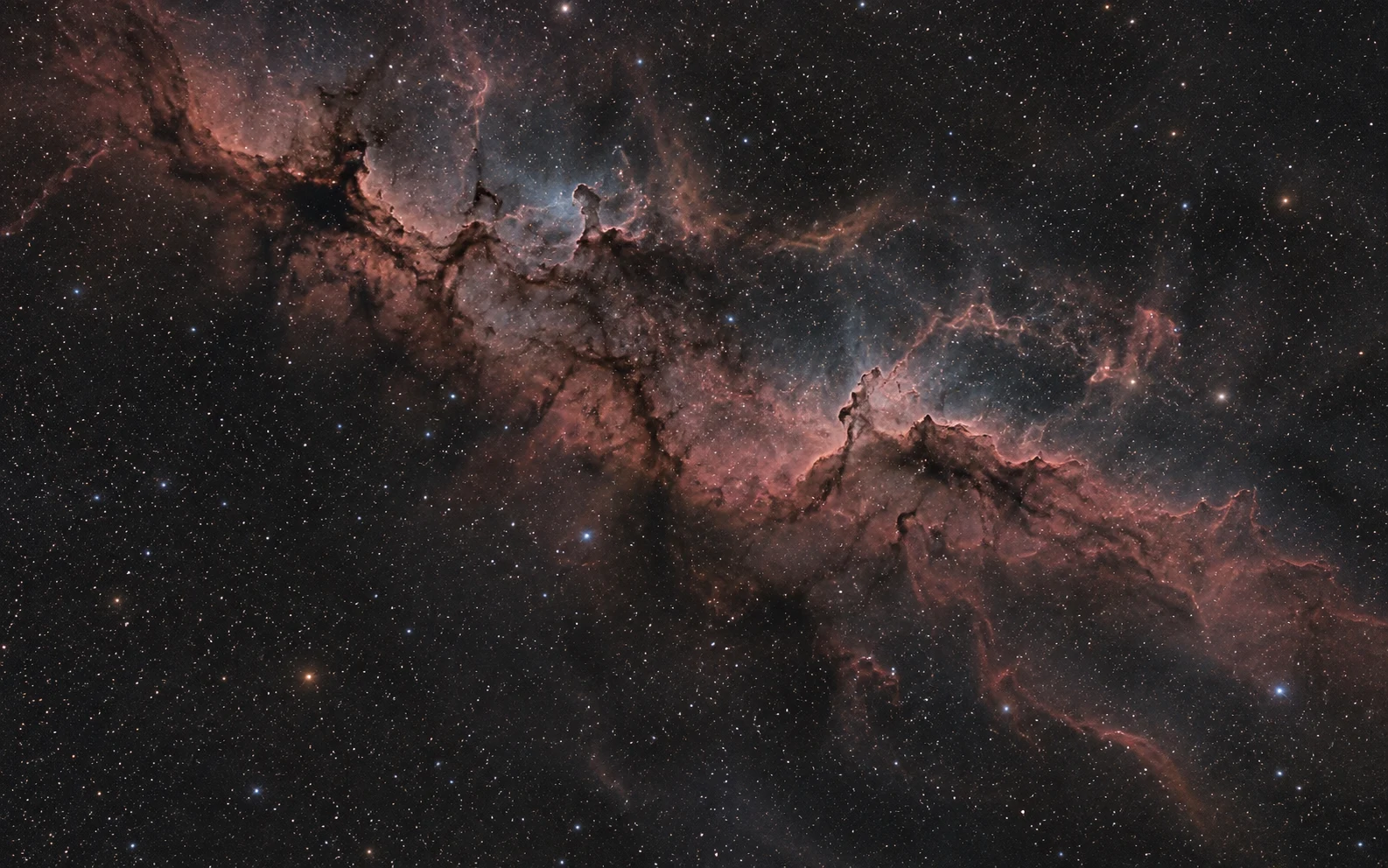
Illustrative comparison. Generated imagery with a simulated before view; not a Skymla processing result. Real images coming soon.
Drag to compare, or use the arrow keys.
The next step after capture.
A good night.
A photo to keep.
You’ve found a galaxy, watched a nebula appear, or tried your first long exposure. Skymla is for the part that comes next: turning that capture into a photo you’re happy to share.
-
Bring your images
Start with your saved exposures, or open an existing TIFF stack to work on. Skymla can combine individual exposures for you.
-
Bring out what’s there
Reveal faint detail, even out the background and adjust the colour. See your changes in the preview as you find a look you like.
-
Save something worth showing
Export the finished image and keep your stack for another day. You can come back and try a different look as you learn.
Made for curious sky-watchers.
Enjoy the sky.
Enjoy the editing.
That first glimpse of a nebula is a good feeling. Finding a little more colour and detail in your own capture can be, too.
Skymla keeps the everyday steps together: combine your images, adjust the result and save it. A focused set of tools, with room to experiment as you get more familiar.
Find your starting pointCurrently in closed beta.
A few more nights
under the stars.
Skymla is being tested and refined with real imaging sessions. A public release is coming soon.
Built for Mac. Requires macOS 15 or later.
See what’s inside